Hello World
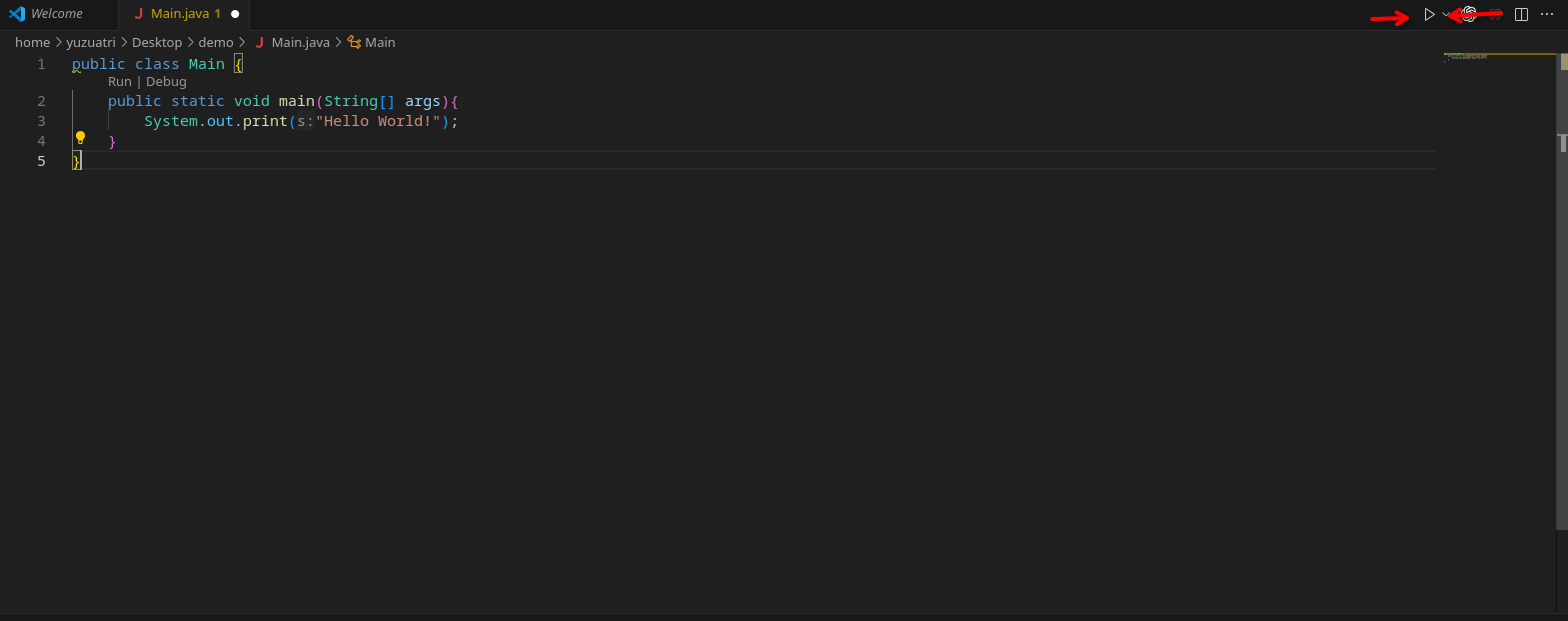
Open FRC VS Code, create a file named Main.java, and enter the code below:
public class Main {
  public static void main(String[] args) {
    System.out.print("Hello World!");
  }
}
Save the file, open a terminal if needed (see how to open the terminal), and click Run Java in the top-right corner of VS Code:
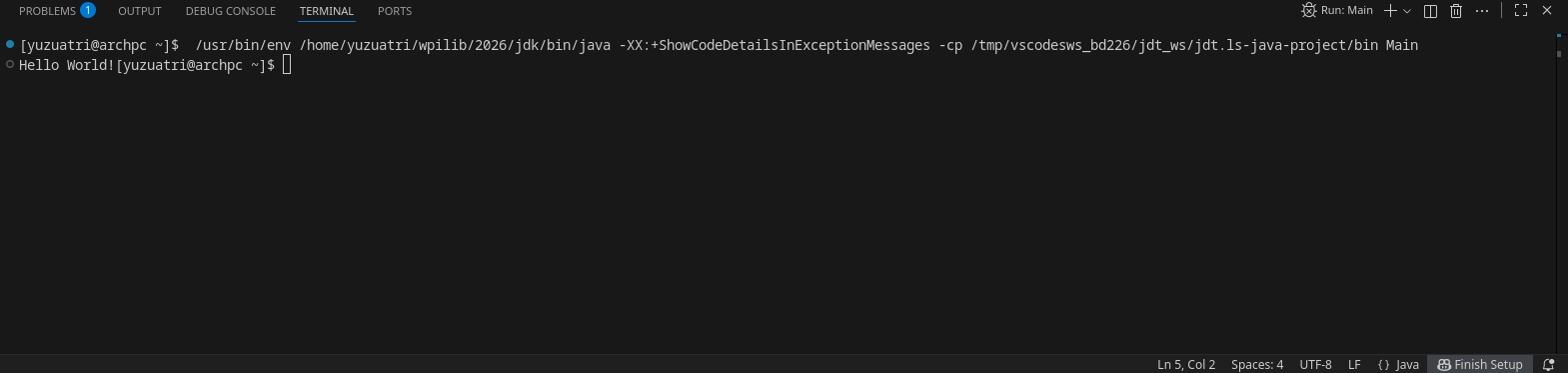
You should see Hello World! in the terminal:
Try this in your browser:
try to change the message that is printed out.
Output
Program output will appear here.